From expenses to travel, one platform
From the employee scanning a receipt to accounting's ERP export; from a travel request to the advance payout — the whole process runs on i-Expense.
Expense Management
Snap a photo of the receipt; OCR fills in the amount, date, VAT and vendor automatically. Pick the expense type and cost center, then submit with one tap.
- Data entry in seconds with high-accuracy OCR
- Save as draft, complete whenever you like
- Foreign-currency expenses converted automatically at current rates
- Attach multiple receipts to one expense — all stored in secure file storage
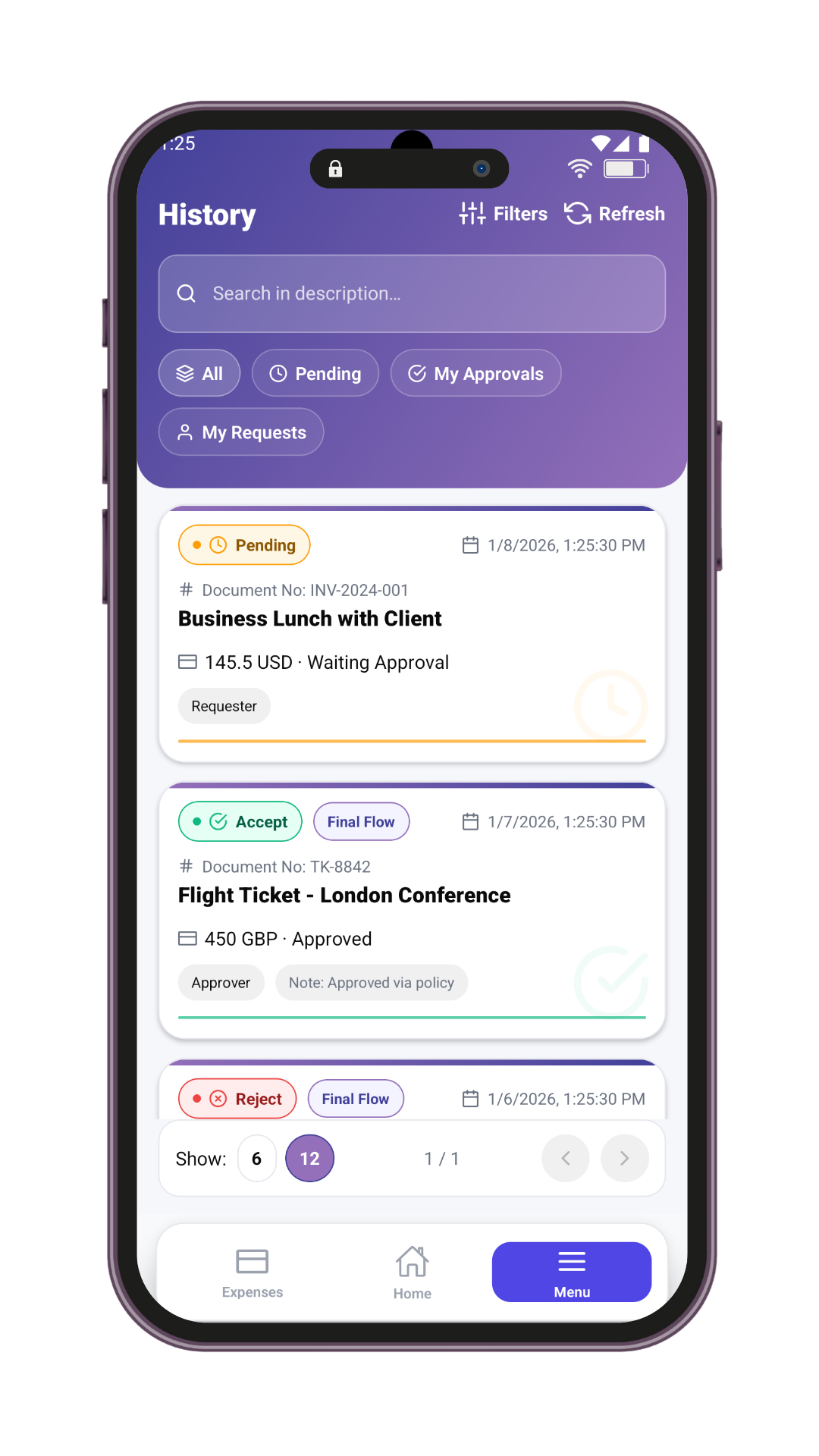
- Track every step of your expense's approval journey

Travel Requests
Request domestic or international trips from a single form: transport, accommodation and an optional travel advance. Requests complete through manager approval, reservation and ticketing steps.
- Transport and accommodation lines in one request
- End-to-end flow with HR reservation and ticketing steps
- Travel advance requested in-form, with multiple currencies
- Plan transportation and accommodation lines on a single form
- Request the travel advance inside the same request — no separate form
How it works
- 1Create the request
- 2Manager approval
- 3Ticketing & accommodation
- 4Travel completed
Advance Processes
Create business advances and travel-linked advances; amounts that pass manager and finance approval are transferred to your corporate system.
- Business advance and additional travel advance types
- Multiple currencies in a single request
- Manager + finance approval, then automatic transfer
- Three advance types: business, travel and additional travel advance
- Track payment status on screen after finance approval
How it works
- 1Create the request
- 2Manager approval
- 3Finance approval
- 4Payment issued
Approval Center & My Tasks
Expense, travel and advance approvals gather in one list. Approve, reject with a reason or request a revision — the requester is notified instantly.
- Approvals for all three processes in one center
- Reject-with-reason and request-revision actions
- Process history: every decision you make is on record
- Approve, reject or request revision — reasons required on reject and revise
- Delegate your approval authority with scoped, time-boxed permissions

Reporting & Accounting
Approved expenses are matched automatically to the right account, cost center and VAT rate. Filterable reports and one-click exports are ready.
- Filter by person, category and period
- Export to Excel and ERP formats
- Budget tracking and limit-overrun alerts
- Compare team spending across periods
- Excel export respects your access scope and active filters
Integration & API
Talks to SAP, Oracle, Logo, Netsis and workflow platforms in real time over API and SQL. Offers a REST-based API and comprehensive documentation for your developer teams.
- Bidirectional ERP synchronization
- Secure JWT-based API access
- Comprehensive developer docs and integration guide
- Secure access with Bearer tokens and a signed company context
- Company data stays fully isolated per tenant
How it works
- 1Base URL & account
- 2Get a token
- 3Call the endpoints
First expense in five minutes
No code needed — three steps from setup to first approval.
Account created, role assigned
Your admin invites you; sign in with your employee, manager or accounting role.
Snap the receipt, OCR fills it in
Open the camera and capture the receipt; amount, date, VAT and vendor auto-fill.
Pick and submit
Choose the expense type and cost center, then submit — it lands in your manager's approval box instantly.
See it on your own processes
Request a demo and our team will walk you through it end to end, tailored to your company's flow.