Simplify Expense Management
Complete your tasks in 3 simple steps with AI-powered expense management: Scan, Approve, Report.

Works with your enterprise systems
Scanning...
Success!
The expense has been automatically categorized.
Total Expense
$24,500
+18%Scan Receipt
AI instantly captures all the details.
Choose the Solution That Fits Your Needs
Whether you prefer our ready-to-use turnkey application, or empower your own system with our API infrastructure.
Turnkey Platform
i-Expense App
Digitize your expense process instantly with our web and mobile applications, without any installation or development process.
- Ready-to-use Web, iOS, and Android applications
- Role-based (Employee, Manager, Finance) dashboards
- Dynamic approval workflows and spending limits
- Real-time expense reports and budget analysis
Developer-Focused Infrastructure
i-Expense API
Connect our industry-leading OCR and Artificial Intelligence (AI) power directly to your SAP, Oracle, or custom ERP systems.
- 100% integrated into your own system and interface
- RESTful architecture compatible with all languages
- Instant status notifications via Webhook
- Comprehensive and modern developer documentation
Perfect Experience for Every Role
Accelerate your workflow with customized solutions for every role.
Employee
Problem
Time spent entering receipts, lost receipts, and uncertainty about reimbursement.
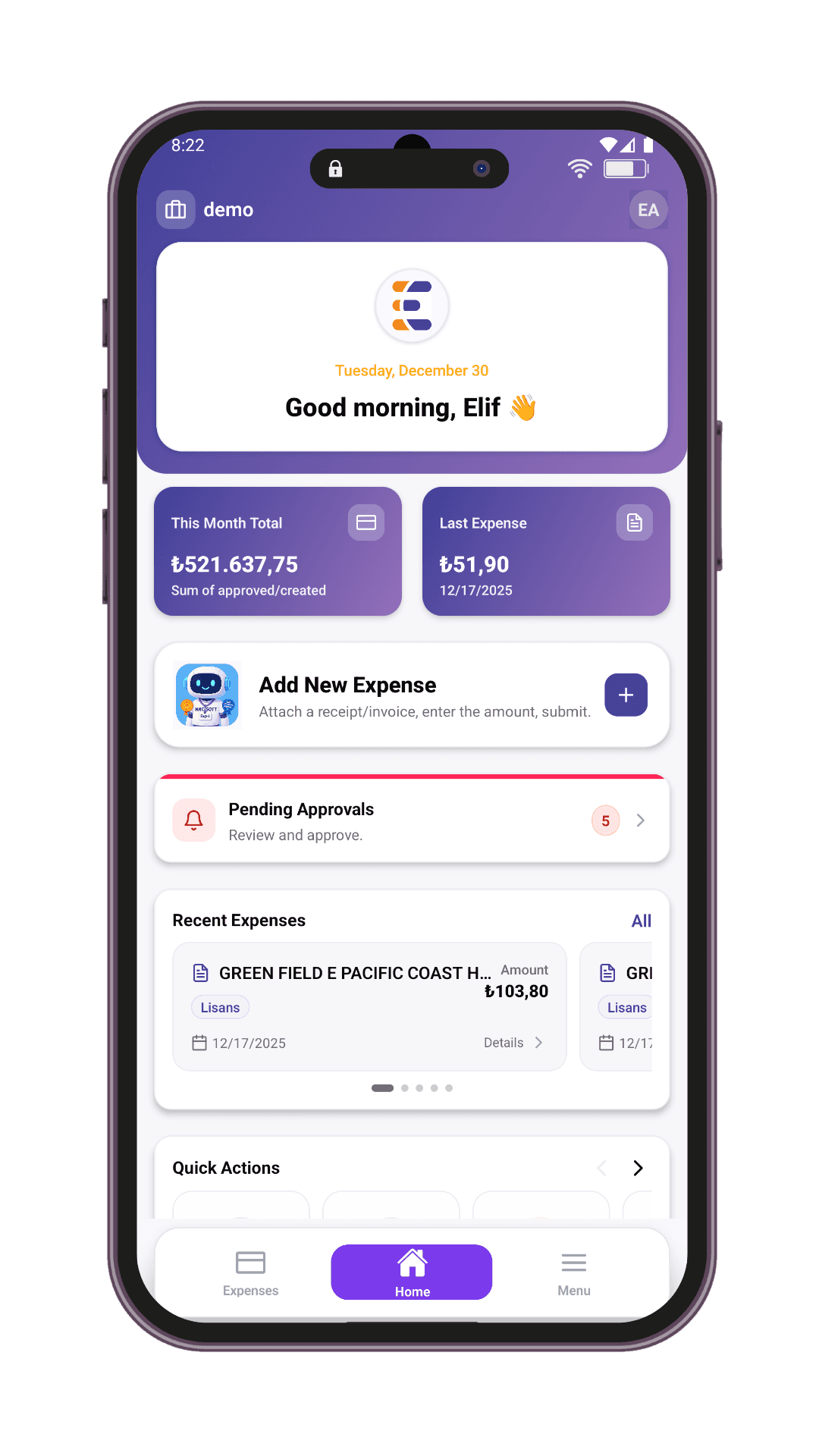
i-Expense Solution
- Create expense in <60 seconds (OCR)
- Flexible management with draft feature
- Instant flow tracking and notifications
- Web and mobile access
Manager
Problem
Scattered approval requests, inability to see original receipts, and lack of instant tracking.
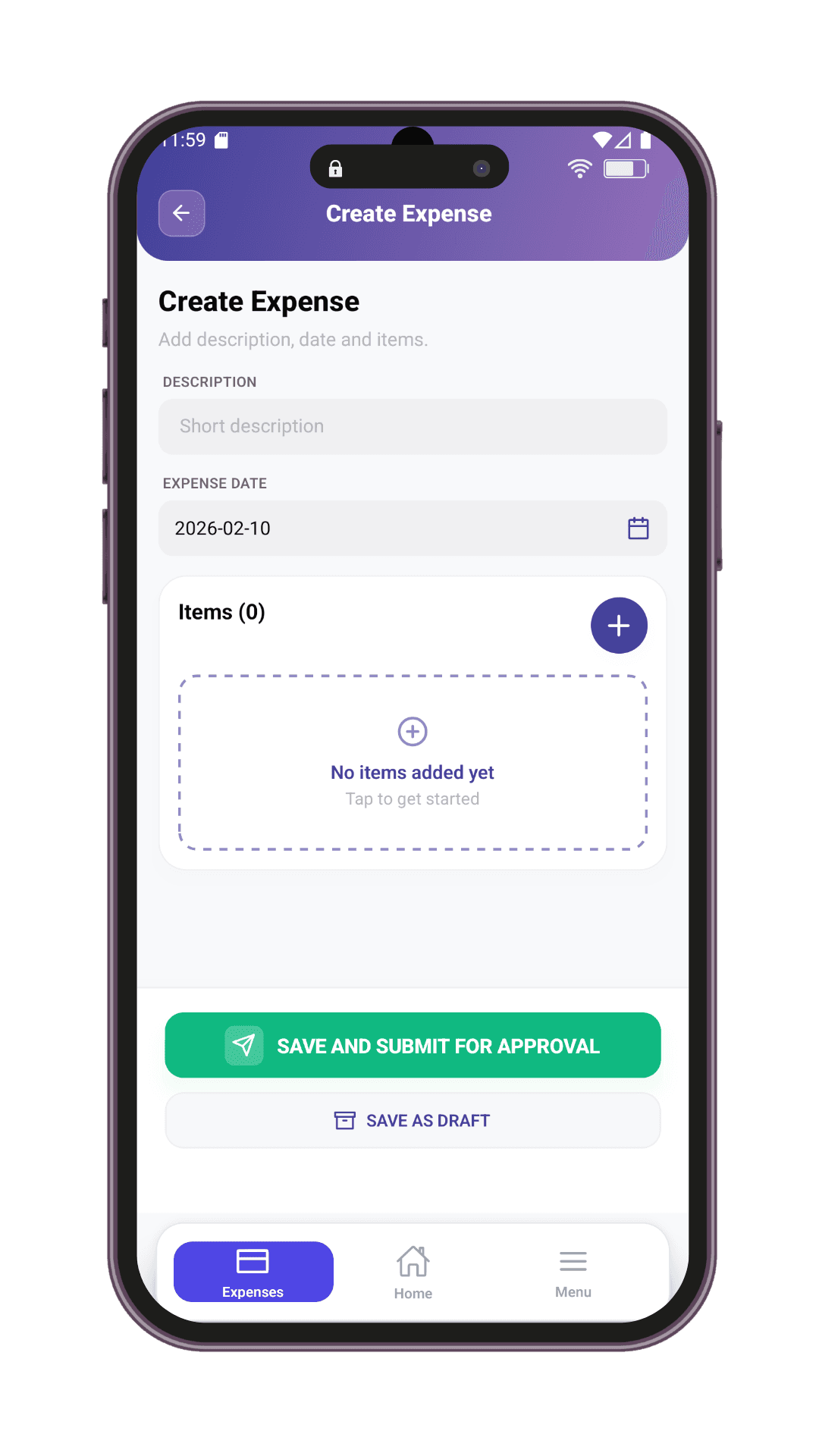
i-Expense Solution
- All requests in a central dashboard
- One-click approval or rejection
- Customized workflows and limits
- Detailed approval history
Accounting
Problem
End-of-month data piles, missing receipts, and data inconsistency.
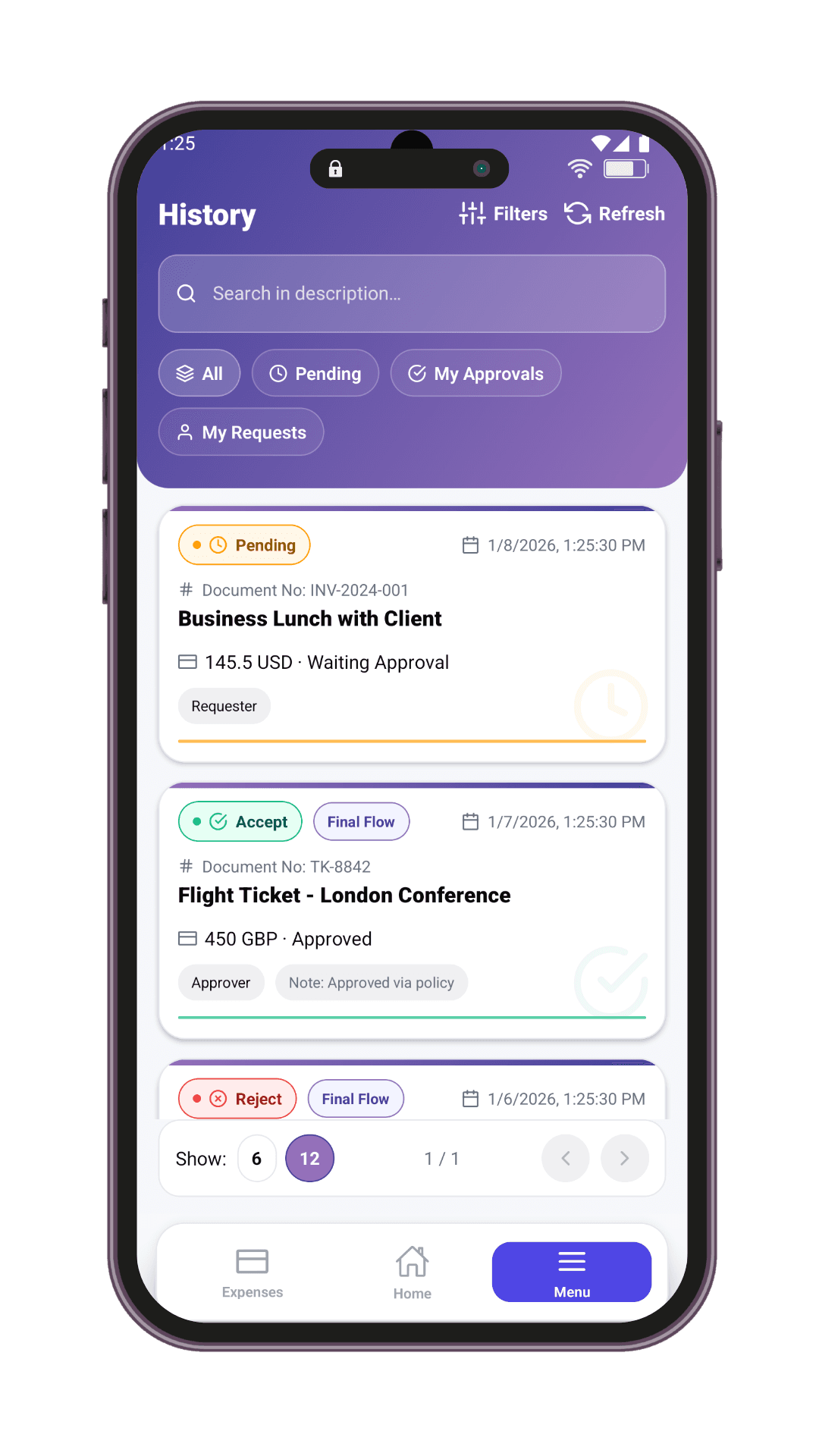
i-Expense Solution
- Approved, complete expense data
- One-click ERP transfer
- Digital receipt archive
- Automatic HR and cost center synchronization
Key Features
Powerful infrastructure designed for modern businesses.
AI Powered OCR
Automatically reads amount, currency, merchant, and date from receipt photos in seconds.
Dynamic Workflows
Easily define complex approval rules based on title and limits.
Multi-Language & Auto Currency
Automatically calculates foreign expenses based on Central Bank rates.
Powerful Integration
Automatically sync HR, currency, and expense types via API or SQL.
Only the modules you need
i-Expense is a modular platform: expense management is standard for every company, while the Travel & Advance module can be enabled per company.
Expense Management
Receipt scanning, OCR-powered data entry, cost centers and multi-step approval flow — the core of the platform, enabled for every company.
- AI-powered receipt reading
- Flexible approval flows and limits
- Posting and ERP export
Travel & Advance
Travel requests (reservation, ticketing, approval stops) and advance processes (manager + finance approval) in a single module. Enabled per company with one switch.
- Transport, accommodation and travel advance in one form
- Multi-currency advance requests
- End-to-end flow with reservation and ticketing steps
Power up your own system
Integrate i-Expense's AI-powered receipt scanning and approval workflow infrastructure into your application in minutes with our REST APIs.
- Secure JWT-based authentication
- Full per-company data isolation
- Comprehensive Developer Docs
# 1) Oturum aç — token'lar response'ta döner
curl -X POST https://<API_BASE_URL>/<LOGIN_PATH> \
  -H "Content-Type: application/json" \
  -d '{ "email": "<EMAIL>", "password": "<PASSWORD>" }'

# 2) Fişi OCR'a gönder — alanlar otomatik çıkarılır
curl -X POST https://<API_BASE_URL>/<OCR_PATH> \
  -H "Authorization: Bearer <ACCESS_TOKEN>" \
-F "file=@receipt.jpg"{
"isSuccess": true,
"user": { "...": "..." }
}Automatic ERP Integration
Approved expenses are automatically transferred to your ERP system via API. No more manual entry.

Compare with the manual process
From paper receipts and spreadsheets to a fully digital process: see the difference at a glance.
| Capability | Manual / Excel | Generic tools | |
|---|---|---|---|
| Automatic data entry with OCR | |||
| Multi-step approval flow | |||
| Travel and advance processes | |||
| ERP integration (SAP, Logo, Netsis...) | |||
| Data-protection compliance and audit trail | |||
| Mobile app (iOS & Android) |
Full support Partial / via add-ons Not available
Start Using Tomorrow
Master Data Integration
We pull user lists and cost centers via API automatically.
Configuring Dynamic Flows
We configure expense management specific to your company policy.
Start Using
Your employees download the app and start entering expenses instantly.
Enterprise-grade security
Your financial data is protected to enterprise standards — encryption, isolation and a complete audit trail.
GDPR/KVKK Compliance
Personal data is processed in line with regulations; consent and disclosure flows are built in.
End-to-End Encryption
Data is encrypted with TLS in transit and AES-256 at rest.
Data Isolation
Each company's data lives in its own isolated database; cross-company access is impossible.
Audit Trail
Every action is recorded immutably with who did it and when.
READY TO START?
Decide on your approval processes, leave the rest to us.